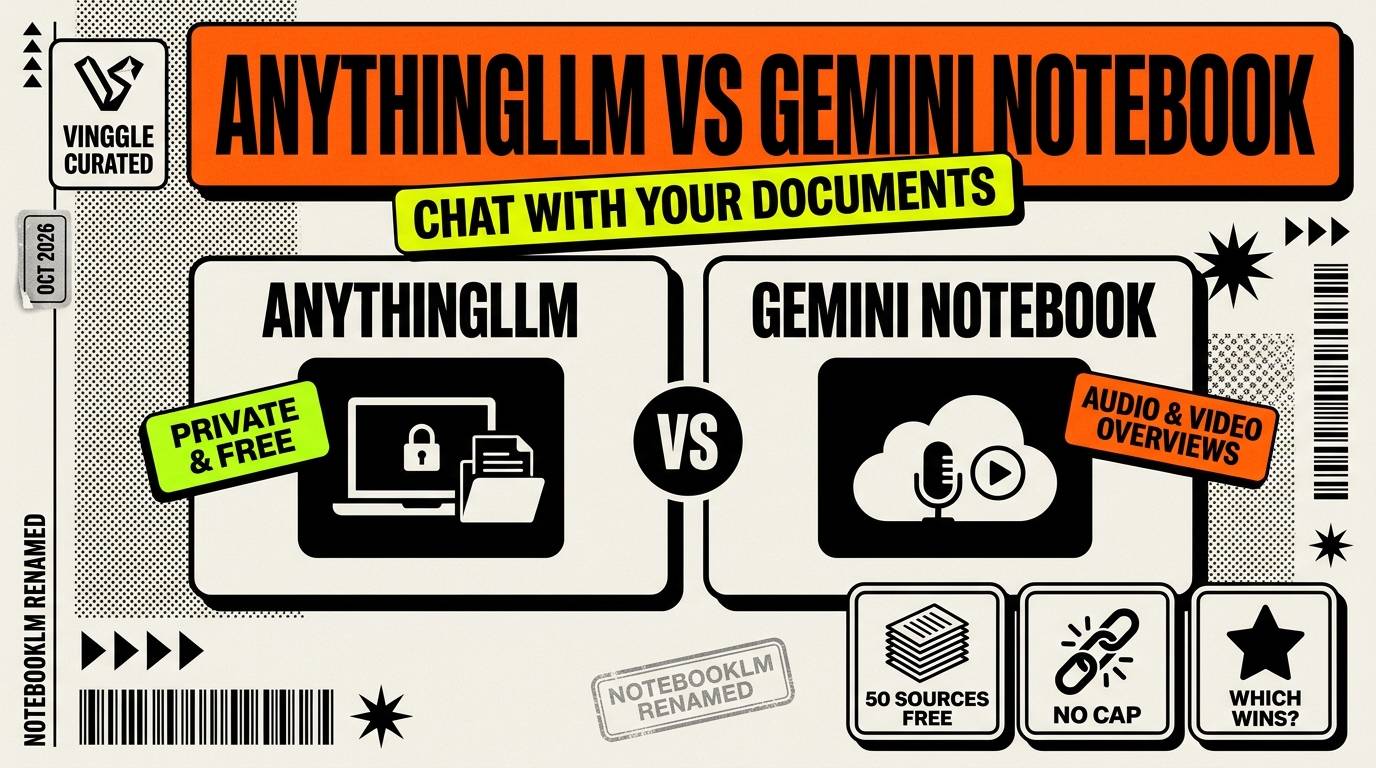
The short answer: choose Gemini Notebook, the new name for Google's NotebookLM, if you want the quickest start and polished extras like podcast-style audio summaries. Choose AnythingLLM if you want your documents to stay on your own computer, no per-notebook caps and your pick of AI model. Gemini Notebook is easier. AnythingLLM is more private and more flexible.
Key Takeaways
- Gemini Notebook is free with a Google account: 100 notebooks, 50 sources per notebook and a usage budget that refreshes every five hours.
- AnythingLLM is free, open source (MIT) and runs on Mac, Windows and Linux, with no fixed notebook or source limits of its own.
- Gemini Notebook is stronger on outputs: audio and video overviews, slides, quizzes and voice conversation. AnythingLLM has no built-in equivalent for podcast-style audio.
- With local models, AnythingLLM keeps your documents on your machine. Gemini Notebook processes them on Google's servers.
- Answer quality is the real trade-off: Gemini Notebook uses Google's frontier model, while AnythingLLM is only as good as the model you connect.
Last updated: October 2026. Google changed Gemini Notebook's usage limits on September 2, 2026, so older guides may list outdated numbers.
How we compared: we used AnythingLLM's official repository and documentation, plus recent guides that reproduce Google's Gemini Notebook plan tables. We did not run a hands-on test of either tool, so quality comments are based on how each is built, not on our own benchmarks.
In This Article
- Quick verdict
- Meet the two tools
- Side-by-side comparison
- Limits and capacity
- What you get out of your documents
- Privacy and where your files go
- Cost
- Answer quality
- Setup and hardware
- Who should use what
- How to test both in 15 minutes
- FAQ
Quick Verdict
- Easiest start and best extras: Gemini Notebook.
- Best for privacy and offline use: AnythingLLM, paired with a local model.
- Best for very large document libraries: AnythingLLM, which has no per-workspace source cap.
- Best for study aids and presentations: Gemini Notebook, with audio and video overviews, slides and quizzes.
- Best for choosing or switching AI models: AnythingLLM, which works with 40-plus providers.
Meet the Two Tools
Gemini Notebook (formerly NotebookLM)
Google renamed NotebookLM to Gemini Notebook on July 16, 2026. You add sources to a notebook, such as PDFs, Google Docs and Slides, web pages and videos, and it answers questions grounded in those sources, with citations. It also turns them into audio and video overviews, slides, infographics and quizzes. Recent additions include real-time voice conversation with a notebook in nearly 100 languages, an audio recorder in the mobile app, and a secure per-notebook environment that can run code on your sources.
AnythingLLM
AnythingLLM is an open-source application from Mintplex Labs for chatting with your own documents. You organize files into workspaces, and it answers with citations, using a language model you choose: a local one, or any of the 40-plus supported providers. It also includes agents that can browse the web, and it has a desktop app for Mac, Windows and Linux plus a Docker version for teams and servers. It is free, MIT licensed, and free for commercial use.
Side-by-Side Comparison
| Gemini Notebook | AnythingLLM | |
|---|---|---|
| Price | Free, with paid Google AI plans for higher limits | Free and open source (MIT) |
| Where it runs | Google's servers, in a browser and mobile app | Your computer, or your own server with Docker |
| AI model | Google's Gemini, fixed | Your choice, local or cloud |
| Free source limit | 50 per notebook | No fixed per-workspace cap |
| Citations | Yes | Yes, in chat |
| Audio and video overviews | Yes | No built-in equivalent |
| Works offline | No | Yes, with local models |
| Sign-up | Google account | None required for the desktop app |
Limits and Capacity
Gemini Notebook's free tier is generous but fixed. Paid plans raise the ceilings:
| Plan | Notebooks | Sources per notebook | AI usage |
|---|---|---|---|
| Free | 100 | 50 | Standard budget |
| Google AI Plus | 200 | 100 | 2x standard |
| Google AI Pro | 500 | 300 | 4x standard |
| Google AI Ultra | 500 | 500 to 600 | 5x to 20x Pro |
Every Gemini Notebook plan caps each single source at 500,000 words or 200 MB, and since September 2, 2026 the AI usage allowance refreshes every five hours up to a weekly limit. On the free plan, audio overviews are limited to about three a day.
AnythingLLM has no such quotas. Its limits are practical: your hardware, the time it takes to process documents, and the context window of the model you choose. A 2026 setup guide notes that its built-in vector database handles thousands of documents, while processing time grows as you add more.
Limits verdict: AnythingLLM wins for large libraries. Gemini Notebook is enough for most individual projects, and the 50-source free cap is only a problem for big research collections.
What You Get Out of Your Documents
This is where Gemini Notebook pulls ahead. Besides answering questions, it generates podcast-style audio overviews, video overviews, slide decks, infographics, data tables and quizzes, and you can talk to a notebook by voice. Higher-quality cinematic video overviews require a Pro or Ultra plan.
AnythingLLM focuses on question answering with sources. It offers two modes: a conversational mode that keeps context, and a query mode for strict, single-turn answers against your documents. It also supports agents that can use tools such as web browsing, and it handles PDFs, Word files, spreadsheets, slides, web pages and more. If you want a podcast-style summary from your own files, the separate open-source project Open Notebook is aimed at that.
Outputs verdict: Gemini Notebook, by a wide margin.
Privacy and Where Your Files Go
With Gemini Notebook, your documents are processed on Google's servers, and you cannot bring your own model or run it offline. Review Google's privacy terms before uploading anything sensitive.
With AnythingLLM paired with a local model, your documents are embedded and searched on your own machine by default, using its built-in embedder and local vector database. Two cautions apply. If you connect a cloud model such as OpenAI or Gemini, your document excerpts go to that provider. And AnythingLLM's documentation describes anonymous usage telemetry that reports events such as a chat being sent, without the content of the chat, so check the privacy settings if you want a fully silent setup.
Privacy verdict: AnythingLLM, when used with local models and the telemetry reviewed.
Cost
| Option | Cost |
|---|---|
| Gemini Notebook, free | $0, with a Google account |
| Google AI Plus | Under $10 a month |
| Google AI Pro | $19.99 a month |
| Google AI Ultra | $99.99 or $199.99 a month |
| AnythingLLM with local models | $0, plus your own hardware and electricity |
| AnythingLLM with a cloud model | $0 for the app, plus that provider's usage fees |
US college students who qualify can get one year of Google AI Pro free, which raises Gemini Notebook to 500 notebooks and 300 sources each. Student prices and plan names change often, so check Google's page.
Answer Quality
This is the honest trade-off. Gemini Notebook runs on Google's frontier model with a context window of up to a million tokens, so you get strong answers without choosing anything. AnythingLLM is only as good as the model you connect. A small local model on an ordinary laptop will answer more simply and can miss details in long documents, while connecting a powerful cloud model brings quality back at the cost of privacy and fees.
One technical detail matters here: AnythingLLM sets its embedding model system-wide, not per workspace, and its built-in embedder is a small, fast model that guides recommend replacing with a stronger one for technical documents.
Quality verdict: Gemini Notebook by default. AnythingLLM can match it, but only if you connect a strong model.
Setup and Hardware
Gemini Notebook needs a browser and a Google account, and nothing else. AnythingLLM's desktop app installs like any other program, but you must also choose a model. A common route is to run models through a tool such as Ollama. One 2026 setup guide suggests having at least 8 GB of video memory for a comfortable experience when the chat model and the embedding model run at the same time. Without a capable GPU, connect a cloud model instead, or accept slower answers from a small local one.
Who Should Use What
- Students and casual researchers: Gemini Notebook, for the free tier, study aids and audio overviews.
- Lawyers, consultants or anyone with confidential files: AnythingLLM with a local model.
- Teams with a large internal knowledge base: AnythingLLM in Docker, with multi-user access.
- People who already live in Google's tools: Gemini Notebook.
- Tinkerers who want to choose and swap models: AnythingLLM.
- Anyone who wants both: use Gemini Notebook for non-sensitive projects and AnythingLLM for private ones.
How to Test Both in 15 Minutes
- Pick one real project with five to ten documents you know well.
- Upload the same files to a Gemini Notebook and to an AnythingLLM workspace.
- Ask the same three questions, including one whose answer you already know, and check the citations.
- Note how long each takes and whether either misses something that is in the files.
- Decide whether you need the extras: audio summaries, slides or quizzes.
Frequently Asked Questions
Is NotebookLM the same as Gemini Notebook?
Yes. Google renamed NotebookLM to Gemini Notebook on July 16, 2026. It is the same product with a new name.
Is AnythingLLM really free?
Yes. The app is free and open source under the MIT license, including for commercial use. You may still pay for the AI model if you connect a cloud provider.
Can AnythingLLM work offline?
Yes, when paired with a local model. Cloud models naturally need an internet connection.
Does AnythingLLM make podcasts from documents like Gemini Notebook?
Not built in. If you want podcast-style audio from your own files, look at the separate open-source project Open Notebook.
Which is better for large documents?
AnythingLLM has no per-workspace source cap, while Gemini Notebook's free plan stops at 50 sources per notebook. Each Gemini source can still be up to 500,000 words.
For more free and local options, see our guide to the 7 best free local AI tools and our roundup of the best AI productivity tools. Browse more in Vinggle's AI Productivity Tools directory, and if you build one, submit it to Vinggle.