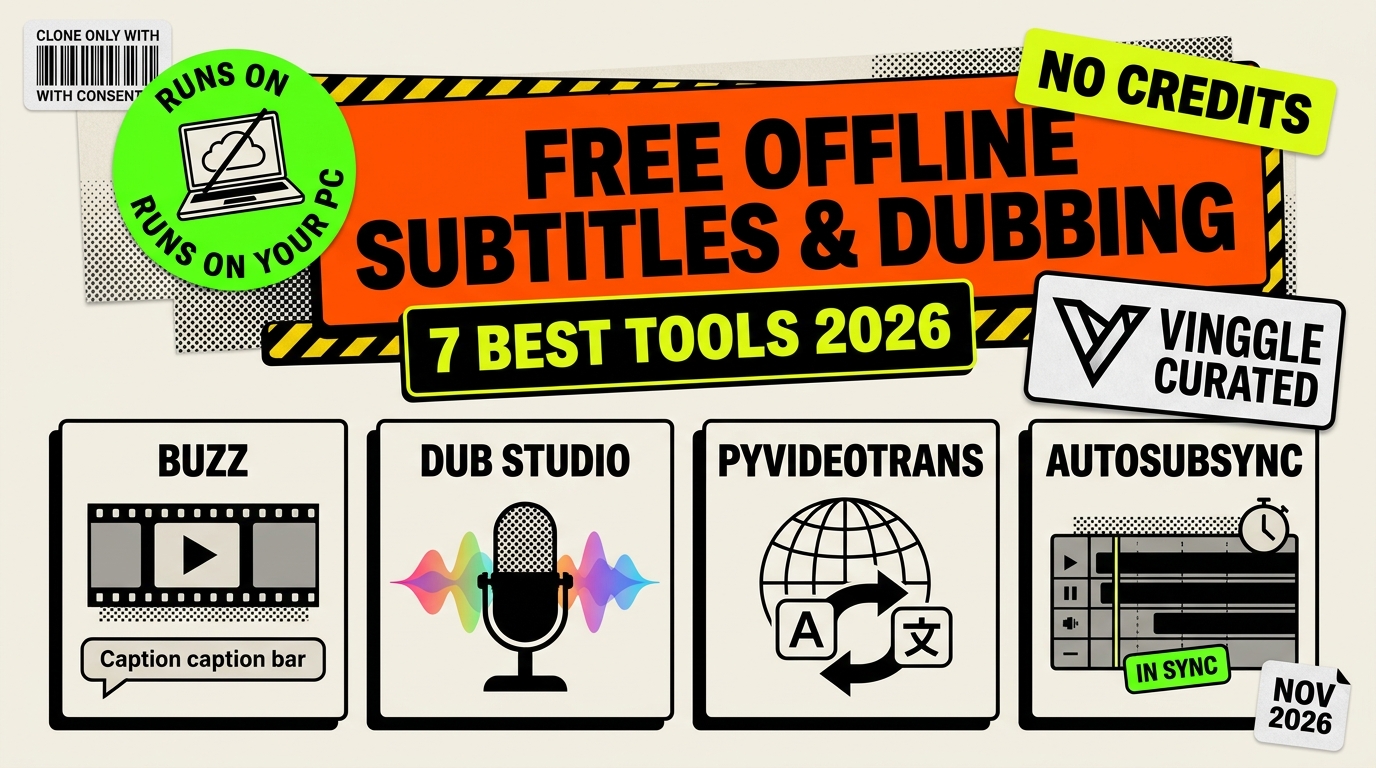
The short answer: you can now generate subtitles and even dub videos into other languages on your own computer, with no credits and no per-minute fees. The best free offline picks are Buzz and Vibe for subtitles, VideoLingo for high-quality captions, AutoSubSync for fixing timing, and Dub Studio, pyVideoTrans and YouTube Auto-Dub for dubbing. Subtitles are mature and reliable. Offline dubbing works, but it still needs a human check.
Key Takeaways
- Subtitles from Whisper-based apps such as Buzz and Vibe are accurate enough for most work and run on ordinary computers.
- Dub Studio is the easiest dubbing tool on Windows: one .exe, no Python. But its voice model is licensed for non-commercial use, with an exception for creators.
- pyVideoTrans is the most complete free pipeline, from transcription to translation to a cloned voice.
- YouTube Auto-Dub is the one to try on a computer without a strong graphics card.
- "Offline" depends on your settings. Some tools default to cloud translation, so check before you rely on privacy.
Last updated: November 2026. These projects update often, so check each page for current features before you install.
How we compared: we used each project's repository and documentation, and independent reviews and guides published in 2026. We did not run the tools ourselves, so quality notes describe how each tool is built and what its authors state, not our own listening tests. Star counts are approximate and change daily.
In This Article
- Subtitles vs dubbing
- Quick verdict
- What your computer needs
- 1. Dub Studio
- 2. pyVideoTrans
- 3. VideoLingo
- 4. YouTube Auto-Dub
- 5. Buzz
- 6. Vibe
- 7. AutoSubSync
- Side-by-side comparison
- Licenses, consent and platform rules
- A workflow that works
- FAQ
Subtitles vs Dubbing
Subtitles need two steps: turning speech into text, then optionally translating it. That is a solved problem with Whisper, an open speech-recognition model that runs on a laptop. Dubbing adds two harder steps: generating a new voice in the target language, often cloned from the original speaker, and fitting that speech to the video's timing. This is why subtitle tools are polished and dubbing tools are still rough around the edges.
Quick Verdict
- Easiest subtitles: Buzz or Vibe.
- Best subtitle quality and line breaking: VideoLingo.
- Easiest dubbing on Windows: Dub Studio, if you have a recent NVIDIA graphics card.
- Most complete dubbing pipeline: pyVideoTrans.
- Best without a strong GPU: YouTube Auto-Dub.
- Best for fixing subtitles that are out of sync: AutoSubSync.
What Your Computer Needs
| Your setup | What runs well |
|---|---|
| Ordinary laptop, no dedicated GPU | Buzz and Vibe with smaller Whisper models, AutoSubSync, and YouTube Auto-Dub, which is designed to work on a CPU |
| Computer with integrated graphics | Buzz, which supports Vulkan acceleration for whisper.cpp on most GPUs, including integrated ones |
| Windows PC with an NVIDIA card, 8 GB or more of video memory | Dub Studio, and voice cloning in pyVideoTrans and YouTube Auto-Dub |
1. Dub Studio
Dub Studio is a free dubbing studio for Windows 10 and 11, shipped as a single native .exe with no Python to install. It handles transcription, translation, voice cloning, subtitles and even on-screen text localization, and it runs entirely on your own machine. It is a young project from a small team, with only a few hundred stars, so expect rough edges.
- Replaces: paid dubbing services such as ElevenLabs' dubbing feature, which meters usage.
- License: the app's code is MIT. The default voice model, Higgs Audio v3, uses a Boson non-commercial research license, with a Creator Use Grant for creators who publish and monetize their own content and credit the model. Offering a dubbing service or building a product needs a commercial license.
- Needs: an NVIDIA GPU with at least 8 GB of video memory is recommended, plus several gigabytes of disk space for models.
- The catch: Windows only, and its cloud-assisted option sends data off your machine, which defeats the "offline" point.
2. pyVideoTrans
pyVideoTrans is the most complete free tool for translating and dubbing video. It transcribes speech with faster-whisper, translates with local options such as Ollama or M2M100 or with online APIs, and generates the new voice, including cloning with F5-TTS. It supports multiple speakers, has about 19,600 stars on GitHub, and was updated in November 2026.
- Replaces: subscription video-translation services.
- License: GPL-3.0. The authors also describe it as a non-commercial project, so read its terms before commercial use.
- The catch: there are many settings, and it is only fully offline if you choose local models for every step.
3. VideoLingo
VideoLingo focuses on producing clean, single-line subtitles with accurate word-level timing, then adds translation and optional dubbing. Transcription uses WhisperX, translation uses a language model you configure, which can be local or a paid API, and dubbing quality depends on the speech engine you pick. It is Apache-2.0 licensed and has roughly 19,000 stars.
- Replaces: paid captioning services that charge by the minute.
- License: Apache-2.0.
- The catch: its default setup leans on an external language-model API for translation, so configure a local model if privacy or cost is the point.
4. YouTube Auto-Dub
YouTube Auto-Dub is a command-line tool that transcribes a video with faster-whisper, translates it with Argos Translate, which works fully offline by default, and speaks the result in a cloned voice using Chatterbox. It is designed to run on a CPU, downloads about 2 GB of models the first time you use it, and has a free route through Google Colab with a T4 GPU.
- Replaces: paid auto-dubbing tools for basic jobs.
- License: not stated in the sources we reviewed, so check the repository.
- The catch: it is a command-line project, its lip-sync feature is experimental, and CPU dubbing is slow for long videos.
5. Buzz
Buzz is a free desktop app for transcribing audio and video offline with Whisper. It works on Windows, macOS and Linux, wraps several backends (Whisper, whisper.cpp and faster-whisper), exports TXT, SRT and VTT, can transcribe live from a microphone, and can watch a folder and transcribe new files automatically. The repository is MIT licensed and has roughly 18,800 stars.
- Replaces: paid transcription and captioning apps.
- License: MIT. A paid Buzz Pro exists on the Mac App Store to support the developer, but the open-source build has every feature.
- The catch: its built-in translation converts speech to English only, so translating into other languages needs another tool.
6. Vibe
Vibe is a polished free transcription app built on Whisper for Windows 10 and 11, macOS and Linux. It supports more than 90 languages, labels speakers, can summarize, and works offline after setup. It is MIT licensed, has about 5,100 stars and was at version 3.0.19 in the sources we reviewed.
- Replaces: paid meeting and lecture transcription apps.
- License: MIT.
- The catch: it is a transcription tool first. Subtitle styling and translation are limited compared with the dubbing pipelines above.
7. AutoSubSync
AutoSubSync solves a different, annoying problem: subtitle files that drift out of sync with the video. It automatically aligns an existing subtitle file with the video's audio, locally on your computer. It is GPL-3.0 licensed and has roughly 1,200 stars, which makes it one of the less known tools here.
- Replaces: manual retiming, or paid subtitle-sync services.
- License: GPL-3.0.
- The catch: it fixes timing only, so it does not create or translate subtitles.
Side-by-Side Comparison
| Tool | Job | License | Platforms | Stars (approx.) | Main catch |
|---|---|---|---|---|---|
| Dub Studio | Dubbing | MIT app, non-commercial voice model | Windows | A few hundred | 8 GB NVIDIA GPU recommended |
| pyVideoTrans | Subtitles and dubbing | GPL-3.0 | Windows, macOS, Linux | ~19.6k | Many settings |
| VideoLingo | Subtitles, optional dubbing | Apache-2.0 | Desktop | ~19k | May call a cloud API |
| YouTube Auto-Dub | Dubbing | Check repo | Command line | Small | Slow on CPU |
| Buzz | Subtitles | MIT | Windows, macOS, Linux | ~18.8k | Translates to English only |
| Vibe | Subtitles | MIT | Windows, macOS, Linux | ~5.1k | Limited translation |
| AutoSubSync | Subtitle timing | GPL-3.0 | Desktop | ~1.2k | Timing only |
Licenses, Consent and Platform Rules
- Licenses differ for the app and for the model. An MIT app can still use a voice model that is non-commercial, as Dub Studio does.
- Only clone voices you have permission to use. Cloning your own voice is the safe use. Cloning a client or a public figure without consent is not.
- Disclose AI-generated dubbing where platforms ask for it. Rules about synthetic or altered audio change, so check the platform's current policy before you publish.
- "Offline" is a setting, not a guarantee. If a tool calls a translation or voice API, your text leaves your machine.
A Workflow That Works
- Transcribe the video with Buzz, Vibe or VideoLingo, then proofread the text. Errors here multiply in every later step.
- Fix timing with AutoSubSync if captions drift.
- Translate, and have a native speaker review the key lines if the video matters.
- For dubbing, test a 30-second clip with Dub Studio, pyVideoTrans or YouTube Auto-Dub before you process the whole video.
- Listen for speed and tone problems, and keep the subtitles on as a safety net.
For related free tools, see our guides to the 7 best free local AI tools, which covers dictation and voice generation, and the best AI voice and audio generators.
Frequently Asked Questions
What is the best free offline AI subtitle generator?
Buzz and Vibe are the easiest, both free and MIT licensed, and both run Whisper on your own computer. VideoLingo gives cleaner line breaks for professional-looking captions.
Can I dub a video into another language for free?
Yes. Dub Studio, pyVideoTrans and YouTube Auto-Dub all do it offline. Expect to review and fix the result, because timing and tone are not perfect.
Do these tools need an internet connection?
Only to download models the first time. After that they can run offline, as long as you choose local models for transcription, translation and voice.
Can I use dubbed videos commercially?
It depends on the voice model's license. Dub Studio's default model is non-commercial apart from a grant for creators who publish their own content, so check the terms of whichever model you use.
Do I need a graphics card?
Not for subtitles, and not for YouTube Auto-Dub, which is built for CPUs. Dub Studio and heavier voice cloning work best with a graphics card that has about 8 GB of video memory.
More audio, voice and video tools are listed in Vinggle's AI Audio Generators directory. If you build one, submit it to Vinggle.