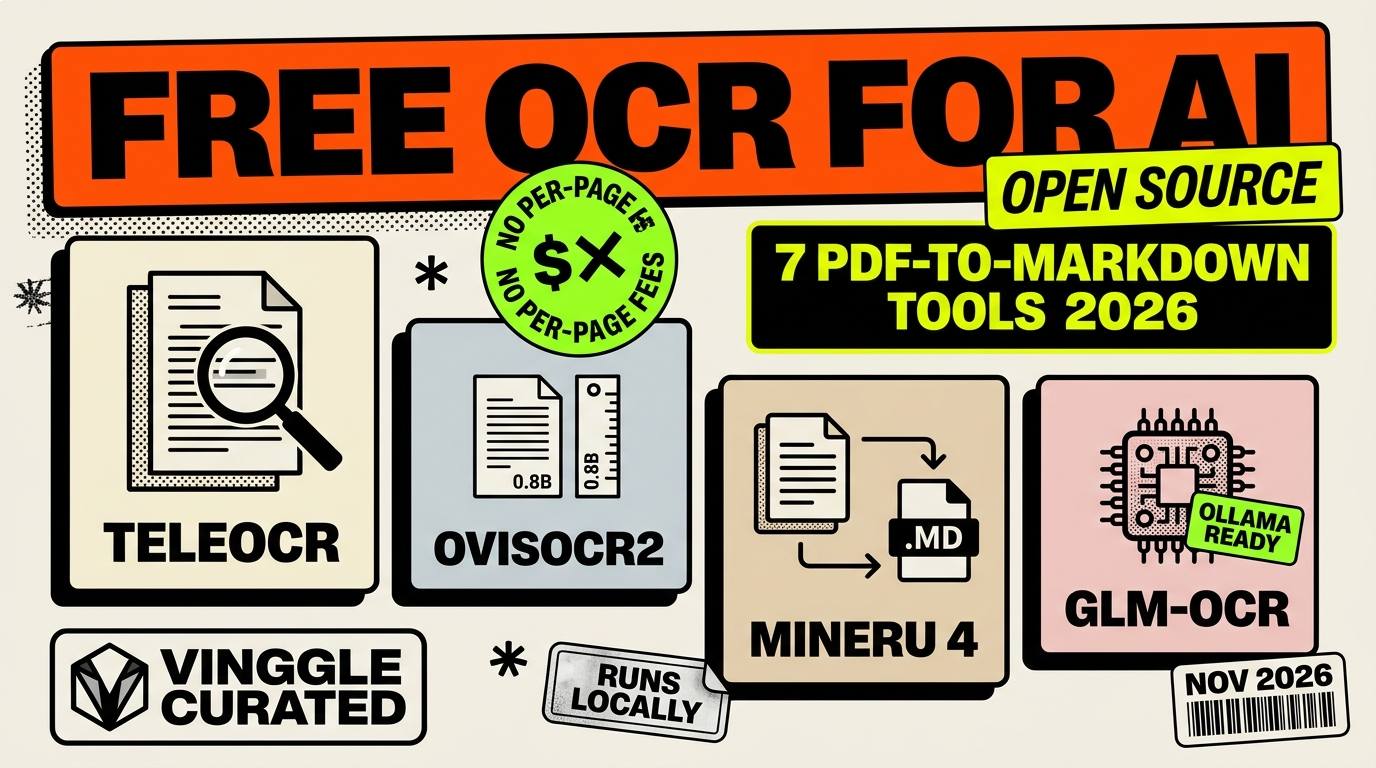
The short answer: the best free OCR for turning PDFs and scans into clean Markdown for AI is now a small open-source model, not a paid cloud service. On the OmniDocBench v1.6 leaderboard, updated September 11, 2026, tiny models of around one billion parameters hold the top spots, ahead of much larger general-purpose AI models. This guide covers seven of them that you can run for free, with their licenses and hardware needs.
Key Takeaways
- TeleOCR, OvisOCR2 and PaddleOCR-VL-1.6 lead the benchmark, all at about 1.2 billion parameters or fewer.
- Most of these models are Apache 2.0 or MIT licensed, so they are free for commercial use. One top scorer, OXR-1.0, is not, which is why it is not on this list.
- MinerU 4 is the one to try without a graphics card: its basic tier runs on a CPU.
- GLM-OCR is the easiest way in, because it can run through Ollama.
- Benchmark scores are mostly reported by the model authors. Test on your own documents before you trust a ranking.
Last updated: November 2026. This field changes monthly, and leaderboards get reshuffled often, so check the current scores before choosing.
How we compared: we used each model's official page on Hugging Face or GitHub, the OmniDocBench v1.6 leaderboard as reported in independent roundups, and the olmOCR-Bench results published by model authors. We did not run the models ourselves. Hardware figures come from the projects and from published guides, and several are approximate.
In This Article
- What changed in OCR this year
- Quick verdict
- What your computer needs
- 1. TeleOCR
- 2. OvisOCR2
- 3. PaddleOCR-VL-1.6
- 4. MinerU 4
- 5. GLM-OCR
- 6. olmOCR 2
- 7. dots.mocr
- Side-by-side comparison
- Options we left out, and why
- How to test them in 15 minutes
- FAQ
What Changed in OCR This Year
Older OCR tools read text character by character and often scrambled tables, columns and formulas. The new generation are vision-language models that read a whole page as an image and write it back as structured Markdown, in the correct reading order. That is exactly the input format AI assistants and search-over-documents systems want.
The surprise is the size. The strongest open models are not giant: they range from 0.8 to about 1.2 billion parameters, small enough to run on a modest graphics card or even a laptop in some cases. One independent comparison also found that photographed pages are the real stress test, because first-generation models such as PaddleOCR-VL and MinerU2.5 lost around 20 points when moved from clean scans to photos.
Quick Verdict
- Highest benchmark score among fully free models: TeleOCR.
- Smallest top performer: OvisOCR2, at 0.8 billion parameters.
- Best for many languages: PaddleOCR-VL-1.6, with 100-plus languages.
- Best with no graphics card: MinerU 4's basic tier.
- Easiest to install: GLM-OCR, through Ollama.
- Best for huge batches of English PDFs: olmOCR 2, if you have a 12 GB GPU.
What Your Computer Needs
| Your setup | What to try |
|---|---|
| Laptop with no dedicated GPU | MinerU 4 basic tier (CPU, about 2 GB of RAM in ONNX mode) |
| Apple Silicon Mac | PaddleOCR-VL-1.6 or GLM-OCR, both documented for MLX-VLM |
| PC with a recent NVIDIA GPU | PaddleOCR-VL-1.6 (about 2 GB of video memory at half precision), GLM-OCR, TeleOCR, OvisOCR2 |
| Server with a 12 GB or larger GPU | olmOCR 2, or any model above served through vLLM |
As a rule of thumb from published guides, document vision-language models expect a GPU with roughly 8 to 24 GB of video memory, depending on the model and batch size. The sub-1B models above are the exceptions that work with less.
1. TeleOCR
TeleOCR is a roughly 1.2-billion-parameter model that parses both clean digital documents and camera-captured pages in a single framework. It leads OmniDocBench v1.6 at 96.91 on the September 11 leaderboard, and its authors report 88.53 on Wild-OmniDocBench, a harder test built from photographed and distorted pages. It reads scans, PDFs and photos, including tables, formulas and charts.
- License: Apache 2.0.
- Runs with: Hugging Face Transformers, and a community build in GGUF format runs on llama.cpp.
- The catch: it is new and from a smaller team, so documentation and community support are thinner than for older projects.
2. OvisOCR2
OvisOCR2 is a 0.8-billion-parameter end-to-end model, built by post-training Qwen3.5-0.8B. You give it a page image and it writes Markdown covering text, formulas, tables and visual regions in natural reading order. It scores 96.47 on the leaderboard, and its authors describe it as the first end-to-end model to top a ranking that pipeline methods used to dominate.
- License: Apache 2.0.
- Why it matters: it is the smallest model in the top group, which means the lowest hardware bar for near-top accuracy.
- The catch: it outputs a page of Markdown at a time, so you will build your own pipeline around it for whole books or batches.
3. PaddleOCR-VL-1.6
PaddleOCR-VL-1.6 from the PaddlePaddle project scores 96.34 on OmniDocBench v1.6 with 0.9 billion parameters. It supports more than 100 languages, outputs Markdown and JSON, and handles tables and handwriting well. A guide to self-hosting document models puts its memory need at about 2 GB of video memory at half precision.
- License: Apache 2.0.
- Runs with: the PaddleOCR toolkit, or a vLLM server on an NVIDIA GPU for whole pages, and MLX on Macs.
- The catch: the toolkit is large and the setup has more moving parts than a single model file.
4. MinerU 4
MinerU 4, released in September 2026, pairs a 1.2-billion-parameter vision model that scores 95.75 on OmniDocBench v1.6 with a full parsing pipeline. It segments the PDF, works out the reading order and returns structured output. Version 4 introduced four quality tiers, and the basic tier runs on a CPU.
- License: a MinerU license based on Apache 2.0, with the model weights reported as Apache 2.0. Read the license text before commercial use.
- Best for: people without a GPU, and anyone who wants a pipeline rather than a bare model.
- The catch: the license is not plain Apache 2.0, so it is the one entry here that needs a quick check if you plan to build a product.
5. GLM-OCR
GLM-OCR is a 0.9-billion-parameter model that scores 95.22 on OmniDocBench v1.6. The model is released under the MIT license and the code under Apache 2.0. Its main selling point is how easy it is to run: it can be deployed through vLLM, SGLang or Ollama, and one published measurement puts it at roughly 1.86 pages per second.
- License: MIT for the model, Apache 2.0 for the code.
- Best for: anyone who already uses Ollama and wants OCR without a new toolchain.
- The catch: its benchmark score is a little below the top three, and the full pipeline uses a separate layout model with its own license.
6. olmOCR 2
olmOCR 2 comes from the Allen Institute for AI and is built for converting very large numbers of long English PDFs to Markdown, with headers and footers removed. It is a 7-billion-parameter model, much larger than the others, and scores 82.4 on olmOCR-Bench, the benchmark its authors built.
- License: Apache 2.0.
- Needs: an NVIDIA GPU with at least 12 GB of memory.
- The catch: it is heavier and slower than the sub-1B models, and it scores lower on the general OmniDocBench (85.74), so it earns its place only for scale and English-language batches.
7. dots.mocr
dots.mocr is the March 2026 rebrand of dots.ocr-1.5, from the rednote-hilab team. It is a 3-billion-parameter model that aims to recognize virtually any human script, which makes it a good option for unusual languages and structured forms. It scores 83.9 on olmOCR-Bench.
- License: MIT.
- Runs with: a vLLM server on a GPU.
- The catch: it has not published a v1.6 score, and it is larger than the top three for similar or lower accuracy on standard documents. Pick it for rare scripts, not for English reports.
Side-by-Side Comparison
| Model | Size | License | OmniDocBench v1.6 | Best for |
|---|---|---|---|---|
| TeleOCR | ~1.2B | Apache 2.0 | 96.91 | Top accuracy, photos and scans |
| OvisOCR2 | 0.8B | Apache 2.0 | 96.47 | Smallest top performer |
| PaddleOCR-VL-1.6 | 0.9B | Apache 2.0 | 96.34 | 100+ languages, Mac support |
| MinerU 4 | 1.2B | Apache-based license | 95.75 | No GPU, full pipeline |
| GLM-OCR | 0.9B | MIT | 95.22 | Easy install via Ollama |
| olmOCR 2 | 7B | Apache 2.0 | 85.74 | Large English batches |
| dots.mocr | 3B | MIT | Not published | Rare scripts and forms |
Scores are the figures reported on the leaderboard or by the model authors, and the benchmarks do not all measure the same thing. A small gap of a point or two between the top models is within what changes with the test documents.
Options We Left Out, and Why
- OXR-1.0: it posts the highest published score, 97.03, but its license is paid for companies above $2 million in revenue, so it is not fully free.
- Docling, Marker and PyMuPDF4LLM: useful ready-made pipelines that appear in nearly every roundup. Start there if you want an out-of-the-box ingestion pipeline rather than a model.
- DeepSeek-OCR 2: a capable 3-billion-parameter model, but it scores 90.25 on OmniDocBench, below the models above, and it needs a GPU.
- Tesseract: the old classic is still free and works on a CPU, but it does not rebuild tables or formulas into clean Markdown.
If your goal is to chat with documents once they are converted, see our comparison of AnythingLLM and Gemini Notebook, and our guide to the 7 best free local AI tools.
How to Test Them in 15 Minutes
- Pick five of your own pages: a clean scan, a table-heavy page, a page with formulas, a photo taken with a phone, and a page in another language.
- Start with the model that fits your hardware from the table above.
- Convert all five pages, then compare the Markdown with the originals, especially the tables.
- Try a second model on the same pages and note which one needs less fixing, not which one looks tidier at first glance.
- If your PDF already has selectable text, you may not need OCR at all. Test a plain text extractor first.
Things to Check Before You Commit
- Licenses differ. Apache 2.0 and MIT are permissive, but some top scorers use custom licenses with revenue limits.
- Benchmarks are self-reported. Authors choose the tests they publish, so run your own documents.
- Photos are harder than scans. A model that tops a clean-scan test can drop sharply on camera captures.
- Projects get renamed. dots.ocr became dots.mocr and Perplexica became Vane, so old guides use stale names.
Frequently Asked Questions
What is the best free open-source OCR in 2026?
On the OmniDocBench v1.6 leaderboard, TeleOCR leads among fully free models at 96.91, followed by OvisOCR2 and PaddleOCR-VL-1.6. The best choice for you also depends on your hardware.
Can I run these without a GPU?
MinerU 4's basic tier runs on a CPU. The others work best with a GPU, though sub-1B models need much less than the larger ones.
Are these free for commercial use?
Most are Apache 2.0 or MIT, which allow it. MinerU uses an Apache-based license that you should read first, and OXR-1.0 requires payment above $2 million in revenue.
What is the easiest one to install?
GLM-OCR, because it can be served through Ollama, which many people already use.
Do I need OCR for every PDF?
No. If the PDF contains selectable text, a plain text or Markdown extractor is faster and often cleaner. OCR is for scans and photos.
More document and productivity tools are listed in Vinggle's AI Productivity Tools directory. If you build an OCR or document tool, submit it to Vinggle.